However, if you are a business owner or aspiring entrepreneur who has a message or mission to change the world…but you’re struggling to monetize or take your business to the next level, I can relate. I’ve been in both places and I know the way out.
Ultimately, I help three types of online business owners.
- I Have a Small Platform but I’m Making No Money (Start Affiliate Marketing)
- I Want to Take My Business to the Next Level (Start & Scale an Affiliate Program)
- I Have a Message or Business Idea but No Audience (Grow Your Email List)
I Have a Small Platform But I’m Making No Money (Time to Start Affiliate Marketing)
Maybe, like I was once, you have a great business idea, a powerful message, a mission to help others, but you have nothing to show for it financially. In other words, you don’t have a business, you have an expensive hobby.
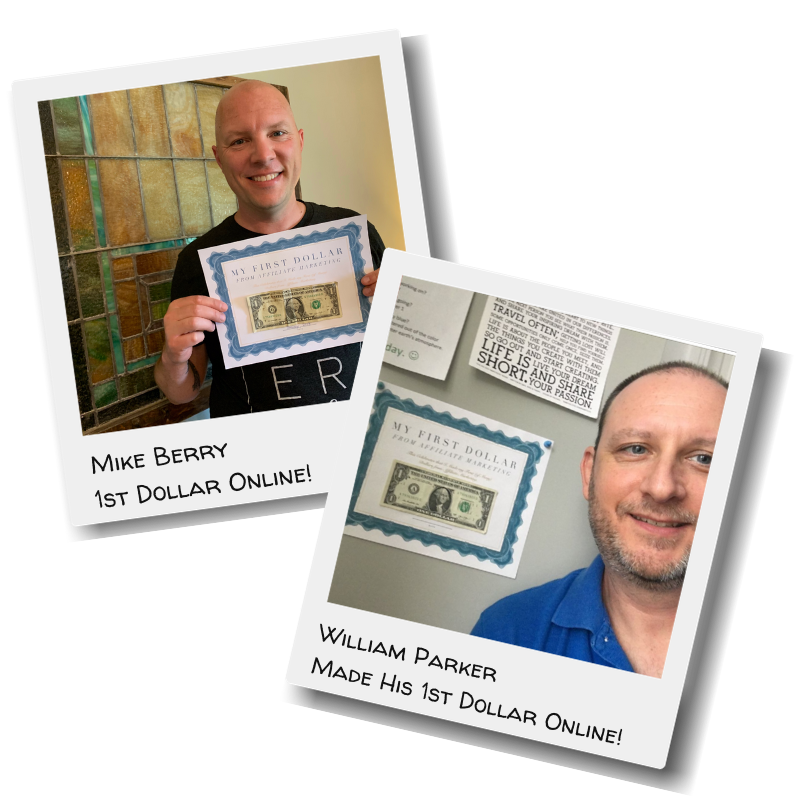
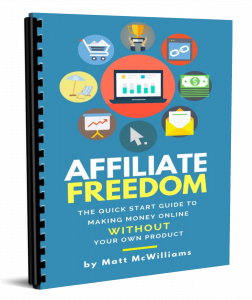
If that’s you, I wholeheartedly believe the solution to your problem is to start taking advantage of affiliate marketing. One of the biggest problems when you are first starting an online business is that you don’t know how to monetize…and you don’t know what products to create to resonate with your audience. So, you either create a product that likely doesn’t sell…or, like most people, you just give away your content (your expertise) indefinitely.
You end up burning out because you aren’t making any money to show for all your effort.
That’s where affiliate marketing comes in. Affiliate marketing bridges the gap between having nothing to sell and selling nothing at all.

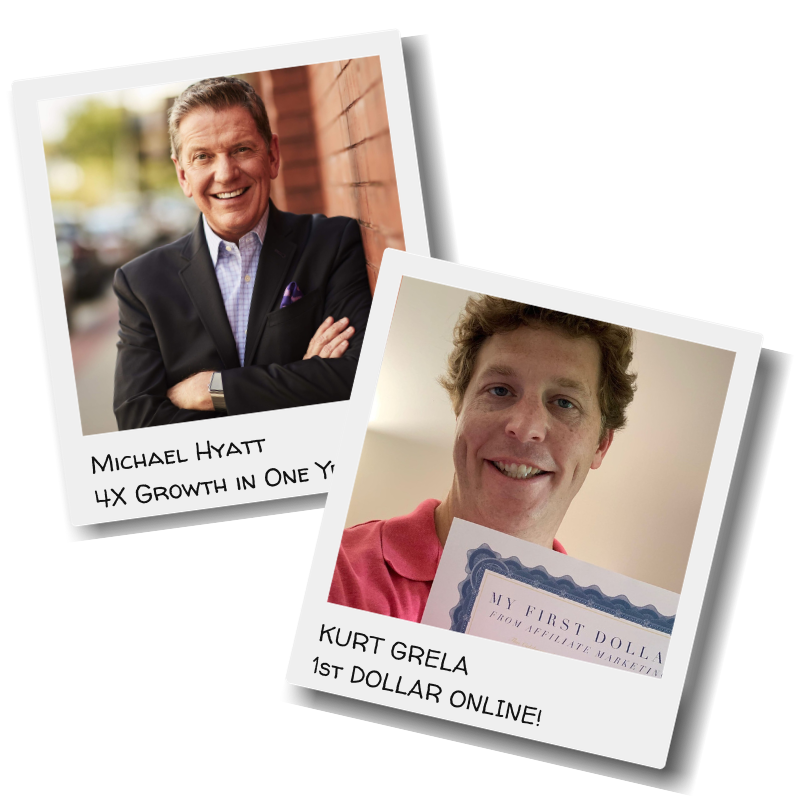
I’ve trained more than 300,000 affiliates for companies such as Shutterfly and Adidas and for entrepreneurs like Michael Hyatt, Stu McLaren, Lewis Howes, Brian Tracy, Ray Edwards, Claire Diaz-Ortiz, Shark Tank’s Kevin Harrington, and Zig Ziglar. I know what it takes to be successful at affiliate marketing and to start monetizing your platform.
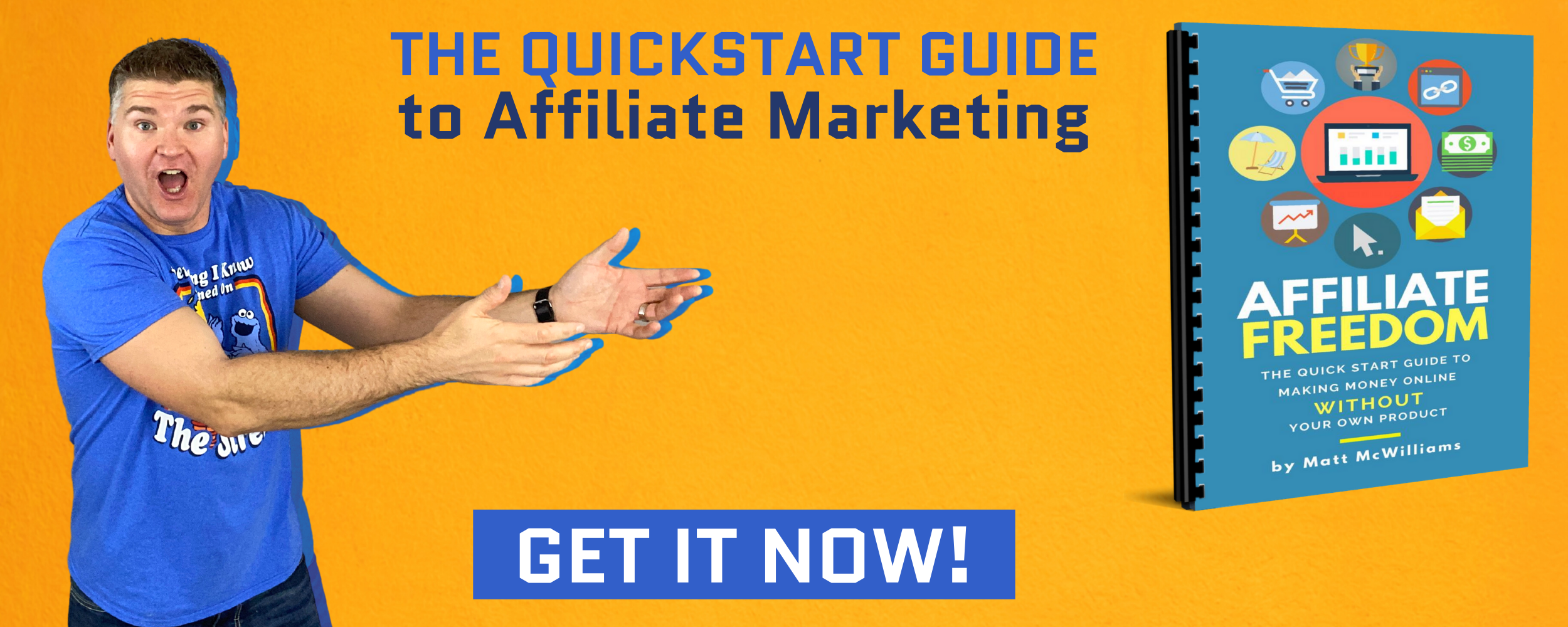
To get started with affiliate marketing the right way, download my free report below:
I Want to Take My Business to the Next Level (Time to Start an Affiliate Program)
Or perhaps, you are like I was in my first business…we already had some sales, but we needed to take our business to the next level.
So we started an affiliate program. I had no idea what that meant way back in the early days of online businesses, but I learned the hard way…trial and error.
Two years later, we were doing more than $1,000,000 per month in sales just from our affiliate program.
Make no doubt about it, an affiliate program is the BEST way to scale your business. Here are five distinct advantages of having an affiliate program:
- You make money before you spend it – With an affiliate program, you bring in the revenue before you pay the affiliates. Try doing that with any other form of advertising.
- It’s infinitely scalable – Unlike other forms of marketing, there are virtually no limits on its growth.
- No guessing at targeting – You no longer have to try to figure out how to target your ads profitably. The affiliates do that for you!
- The warmest prospects – No other form of advertising brings in warm prospects like affiliates. They act as a third-party endorsement before sending people to your site, which is why we’ve found their traffic converts 24% higher than any other form of advertising.
- Success = more success – When you have success with one affiliate, you will get other affiliates with no effort.
Over the years, I’ve helped hundreds of businesses start and scale their affiliate programs, from one client who went from $0 to $124,000 in one year to helping a publicly-traded company go from $34 million to more than a quarter of a billion dollars in just three years.
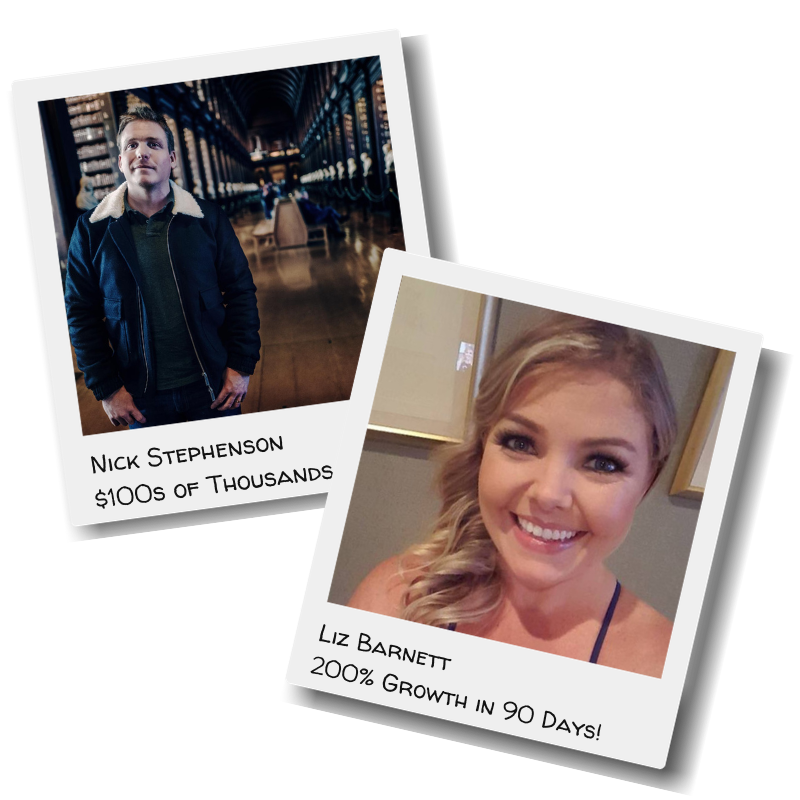
Online entrepreneur Nick Stephenson said, “Our first public launch brought in close to 20,000 new leads and hundreds of thousands of dollars in revenue, a result I just wouldn’t have been able to achieve without Matt’s plan. I heartily recommend Matt and his team to help any online business take their sales and exposure to the next level.”
Liz Barnett took over a stagnant affiliate program and in just 90 days, more than tripled its sales with our training. “Prior to accepting a position as an affiliate manager four months ago, I had never heard of affiliate marketing. The affiliate program I run increased by over 200% in sales in my first 90 days and my affiliates have brought in record-breaking commissions. Affiliates who had been inactive for months have come back to life.”
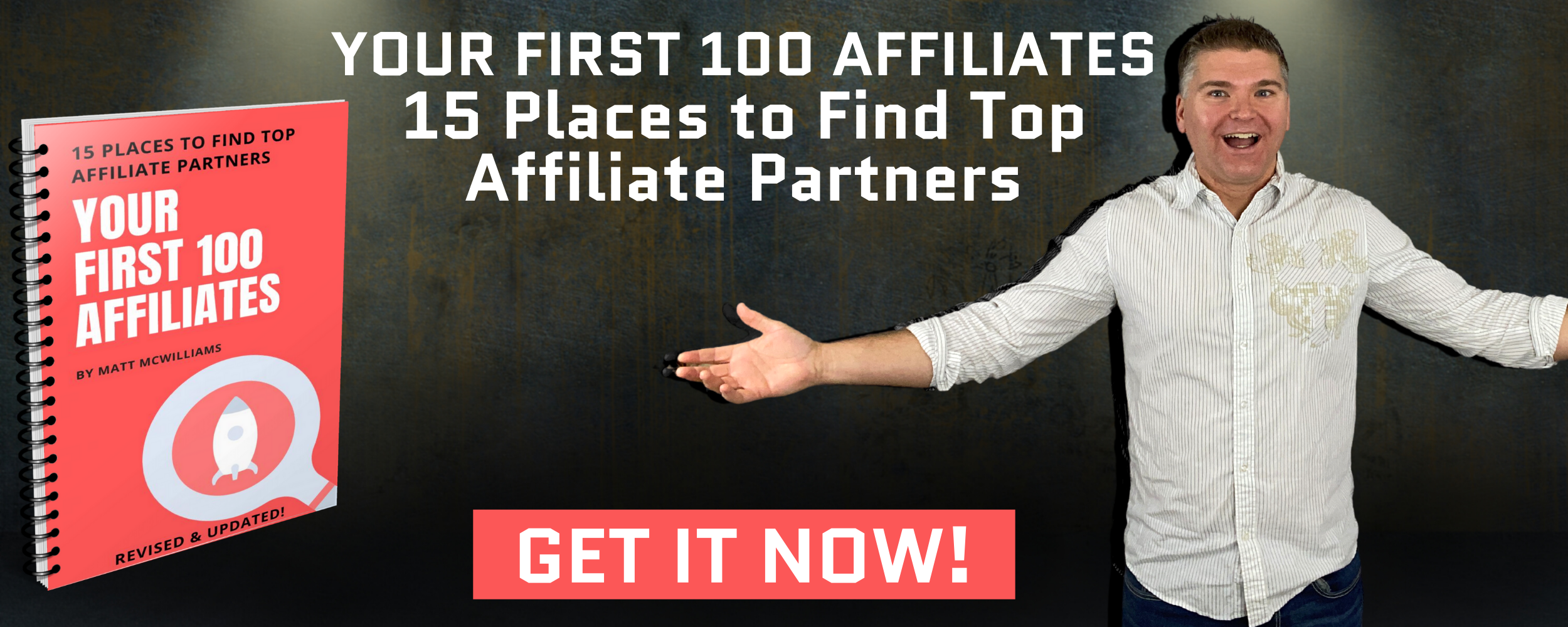
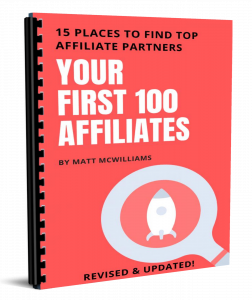
If you are ready to take your business to the next level and start an affiliate program, start with my free report, Your First 100 Affiliates. This report takes nearly two decades of experience, trial and error, and lessons learned about finding top affiliates in nearly every conceivable niche and puts them all into one report.
I Have a Message or Business Idea but No Audience (Time to Grow Your Email List)
Maybe you have a message to share or a business idea but you don’t have an audience yet. No prospective buyers means…no sales. And it can be lonely writing to an audience of none.
When I started my first blog (on leadership and personal development), I knew I needed to quickly grow my email list. After all, an email list is the lifeblood of any online business. So I researched and researched but found nothing that actually helped.
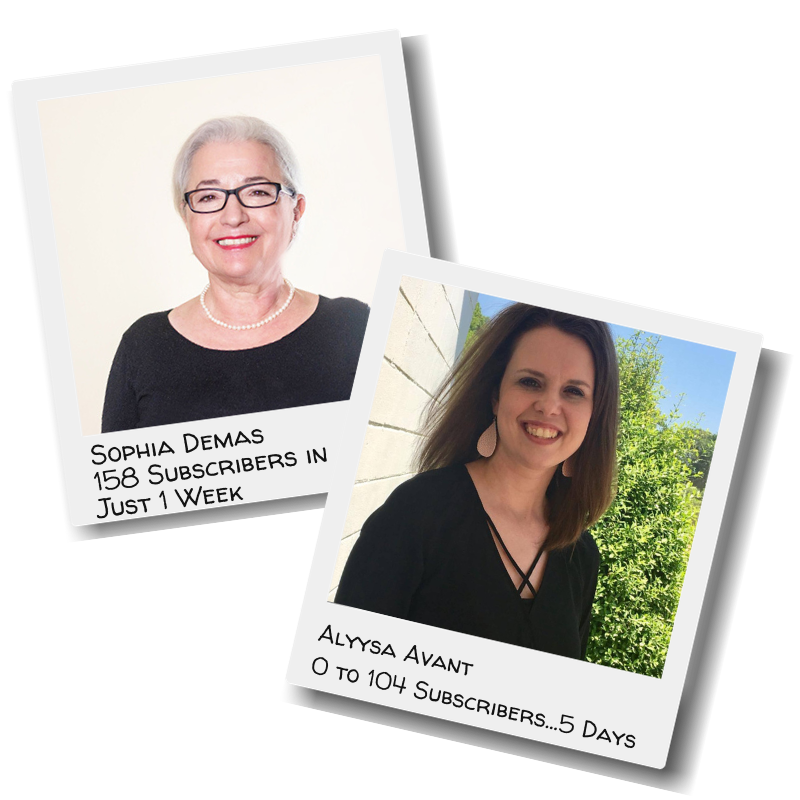
I ended up discovering a simple way to quickly grow my email list from zero subscribers to more than 1,000, which allowed me to scale even further from there. Since then, I’ve taught this system to thousands of new online business owners and even some veterans who’ve struggled to grow their email lists.
And it all started with a powerful lead magnet. Simply put, a lead magnet is an incentive that marketers offer to potential buyers in exchange for their email address.
A lot of people make mistakes with lead magnets thinking they have to be super fancy, in-depth, and take days to create. NOT TRUE! The key is this…Your lead magnet must address an IMMEDIATE and PRESSING need or want in your target audience.
It doesn’t have to be a comprehensive guide or a detailed manual. In fact, those often make the WORST lead magnets because they are overwhelming. You want people to WANT it because it addresses the IMMEDIATE and PRESSING need or want.
You want them to consume it quickly and you want to MAKE IT A QUICK WIN!
Make your lead magnet easily consumable and ACTIONABLE. Give them what they want RIGHT NOW!
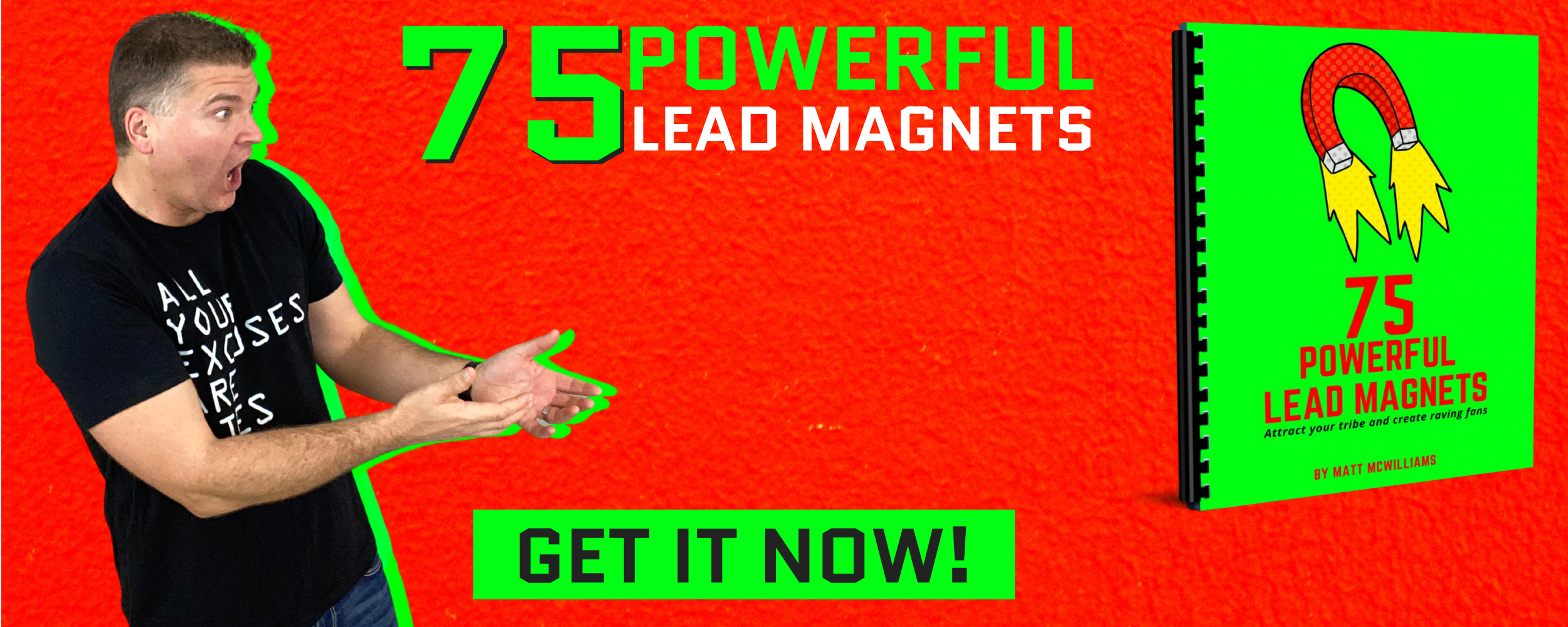
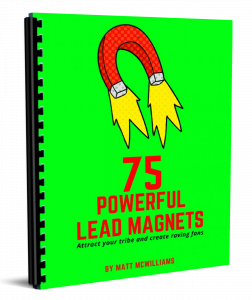
In my free report, 75 Powerful Lead Magnets, I show you exactly what types of lead magnets actually convert and lead to explosive list growth. Grab your copy here:
Our Mission
Our mission as a company is simple: To help you build a business that serves YOU and OTHERS. To help you spread your message, fulfill your purpose, and enjoy every single minute of it. To help you turn your passion into profit.
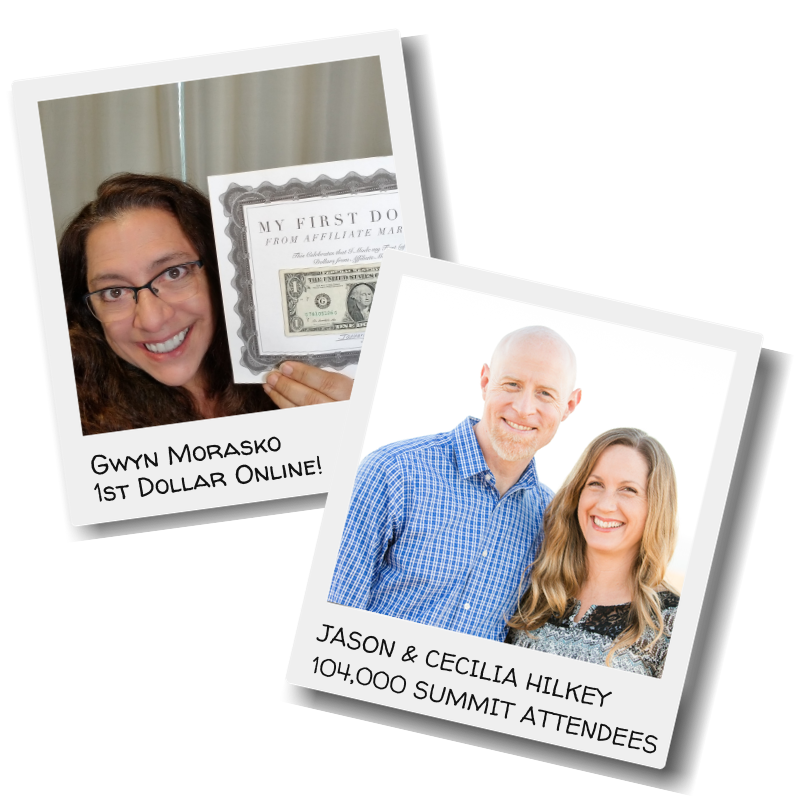
Whether that’s by helping you to start an email list and getting your first 1,000 subscribers or by showing you how to monetize your platform with no product of your own or by helping you scale your business to six and seven-figures (and beyond!), I’m here to help.
Why do I do what I do? Because I genuinely feel that you are an artist. An artist with a message to change the world.
Your comfort zone says otherwise. Your comfort zone says:
“School taught me to keep my head down, raise my hand to speak, get a good job with health insurance and maybe, just maybe, my 401(k) will allow me one day to make art.”
That is the lie of your comfort zone. Your comfort zone is the devil on your shoulder telling you that you can never truly be an artist. It tells you that your work doesn’t matter and that the art that is clamoring to leap out of you will always be restrained by societal pressures, bills to pay, and the ringing words of all those who have laughed at the dreamers.
If you are reading this and haven’t awakened to the reality that our economy is drastically different than it was twenty years ago, I need to tell you something:
IT HAS!
Our economy is drastically different than it was just ten years ago. It’s probably going to be different in three years…or thirty minutes.
How we work, how we provide for our families, how we achieve career bliss, and how we get there have all changed in the last decade. They were already changing in the decade prior. And, as you know, the rate of change exponentially increases every few seconds.
We are all artists now. You are an artist. And artists are defining this new economy.
The entire premise of this book hinges on one belief: The world needs your art.
The world needs your art, but it will not wait passively or patiently. The world needs your art, but it will move on without it.
I’m here to help you spread your message, make good money while doing so, and love every minute of it. If you want to have more influence, impact, and income, you’re in the right place.
Get started below.
 |
 |
 |