An affiliate product feed tells affiliate sites what you sell, what it costs, whether it’s in stock, and what it looks like. A product feed audit checks six parts of that file. Those are prices, availability, images, descriptions, refresh timing, and product IDs.
Two failures at two companies show why each of the six is on the list. An outdoor equipment company’s feed showed a $79 backpack that cost $99, and a home fitness equipment company’s feed attached dumbbell photos to the wrong dumbbells. Both companies are unnamed. Some numbers below are my estimates, and I mark them where they appear, because I can’t prove how many sales the stale price cost or how many returns the wrong photos caused.
Affiliates who run comparison sites, review sites, and deal pages don’t retype your prices. Their pages pull the data from your feed, so whatever your feed says shows up under their name.
What is an affiliate product feed?
An affiliate product feed is a file, usually a spreadsheet-style export, that lists your products with a price, availability, image, description, and ID for each one. Affiliates load it into their sites so product pages and comparison tables fill in automatically.
Your store or platform regenerates the file on a schedule. How often it regenerates is the part that hurt me first, and the backpack story below is why. If you’re building out the e-commerce side of your program, my post on how affiliate marketing works for e-commerce brands covers the basics around it.
Who depends on your product feed?
Affiliates depend on it first. Say a comparison-site owner lists 40 of your products. She isn’t checking 40 product pages every morning, so the feed is what keeps her page honest.
Shoppers depend on it second. They see your feed’s price and photo on her page, and they believe both because a person they trust put them there.
You depend on it third, because wrong data comes back to you as lost sales, returns, support tickets, and angry affiliates.
The $79 backpack that cost $99
A comparison-site affiliate called me with a short report. Our feed showed a hiking backpack at $79, and our site charged $99. A weekend sale had ended, the price had gone back up on the site, and the feed hadn’t caught up.
I checked the traffic. Three affiliates had kept the $79 price on their pages, and over the previous two days those three had sent 420 clicks and 7 sales. I expected about 19 sales from that much traffic. That number is my estimate, which makes the 12 missing sales an estimate too. I think the price mismatch caused the gap, and I can’t prove it.
Those three affiliates had done nothing wrong. They advertised the price we gave them.
The cause was boring. The feed refreshed once every 48 hours and served cached data in between, so a price change could sit wrong for up to two days. Our technical team fixed it right away and forced a fresh export.
Then I called each of the three affiliates. I apologized, explained what happened, and told them we’d honor $79 for any customer they referred over the next 24 hours. That cost us $20 on each of those orders.
I had spent years telling affiliates to keep their promotions accurate, and then the company handed them inaccurate data. I couldn’t blame them for being upset.
How often should an affiliate product feed refresh?
We moved from every 48 hours to every four hours, plus an extra refresh whenever a promotion starts or ends.
The extra refresh matters most. A four-hour schedule still leaves a window of up to four hours after a sale ends, and the backpack problem started when a sale ended. A refresh triggered by the promotion itself closes that window.
Pick your own interval by looking at how often your prices and stock change. A store that changes prices twice a year can live with a daily refresh. A store that runs weekend sales needs the promotion trigger. If you run big sales, my post on running your affiliate program during a big sale covers the promotion side.
Also ask your affiliates how often their sites pull your feed. Your four-hour refresh does nothing for a comparison site that downloads the file once a day.
The wrong dumbbell photos
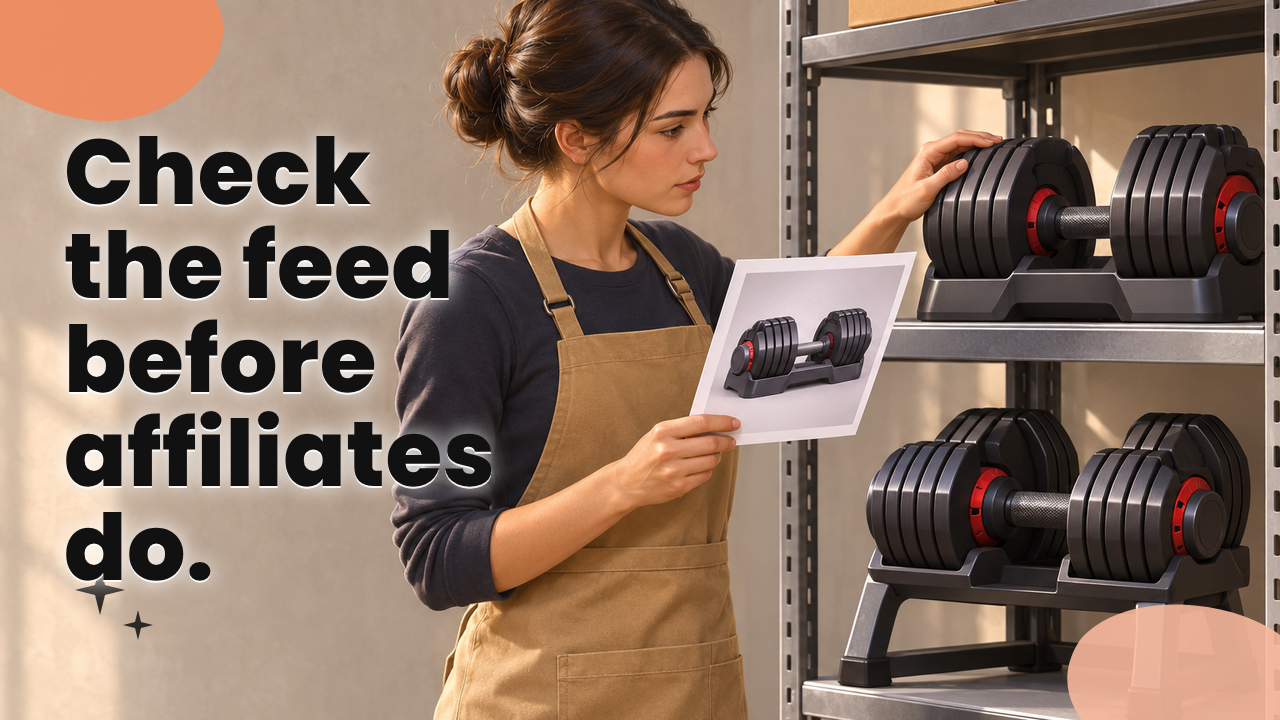
A customer at a home fitness equipment company wrote in because her $299 adjustable dumbbell set arrived without the storage rack in the picture. She had ordered exactly what our own site listed. The picture she saw was on an affiliate’s comparison page, and it came from our feed.
I checked the feed. It had attached the image of our $499 premium set, the one with the rack, to the price and description of the $299 standard set.
One wrong listing turned out to be 37. A catalog reorganization had changed our product IDs, and a developer had matched images to the old IDs. Of the 37 products, some showed the wrong image and others showed a description that belonged to a different product.
Over the previous three weeks, about $6,000 in returns had come in from customers who said the product wasn’t what they expected. I couldn’t tie every return to the images, so how much of that $6,000 the images caused is a judgment call and not a measurement. The pattern was enough for me to act.
I disabled the affected feed entries right away and told our affiliates. Development then rebuilt the product mappings on permanent SKUs, so a future reorganization doesn’t break the match between a product and its image. They also added automated checks that flag mismatched product IDs, images, prices, and availability.
One of the affected affiliates told me, “Matt, I’ve spent three years building trust with my readers. Now they think I’m recommending products I haven’t even looked at.”
He was right, and I told him so. I apologized and helped him correct the affected content. We also paid commission on the sales that came back as refunds. That was a customer-service decision and it cost real money, but I wasn’t willing to make affiliates pay for a data problem we created. Reversal is the normal outcome when a customer refunds, and my post on what happens to an affiliate’s commission when a customer refunds shows how it works. We made an exception because the refunds traced back to our data.
Deciding to pay commission on refunded sales is a program-management call. The Book on Affiliate Management is my 300-plus page guide to building a program that reaches $1 million a month in under two years.
How to catch product feed errors automatically
After the dumbbells, development built checks that run on a schedule and flag mismatched product IDs, images, prices, and availability. You can build a smaller version with a spreadsheet or a short script.
- Compare each feed price to the price on the live product page and flag any difference.
- Compare the feed’s in-stock flag to your live store the same way.
- Flag any image file attached to more than one product ID, and have a person look at each one, since some variants legitimately share a photo.
- Flag any product ID that appears in the feed but not in your live catalog, and any live product missing from the feed.
Send the alerts to one named person who owns the fix. An alert that goes to a shared inbox waits for someone else to deal with it.
How to audit your affiliate product feed
Start with a sample of 25 products. Include your best sellers, anything that was on promotion in the last week, and anything changed in the last month. Then run the six checks below on that sample before you look at the whole file.
Your feed is one part of a bigger check. How to Audit Your Affiliate Program (and Fix What’s Broken) covers the rest of the program, so you can run both audits in the same week.
Check prices against the live product page
Open the feed in a spreadsheet and put the live page price beside each feed price for your 25 products. Each mismatch is a finding.
Look hardest at products that were on promotion in the last week, because that’s where the backpack went wrong. Also check whether the feed shows the sale price or the list price. An affiliate’s page has to show the number the customer will pay.
Check availability before affiliates send traffic
Compare the feed’s in-stock flag to your live store. A feed that says in stock for a sold-out product sends readers to a dead end. A feed that says out of stock for a product you have in the warehouse costs you sales you could have made.
If you’re promoting a product to move stock, check the flag first. My post on clearing excess inventory with an affiliate promotion covers that kind of push.
Check that images match products
Open ten product pages on an affiliate’s site and compare each image with what your own store shows. The error in the dumbbell case lived in the feed, so the wrong photos showed up on affiliate pages and not in our store listings.
Also confirm that each image URL loads. A broken image link leaves an affiliate’s page with a blank square next to your price.
Check descriptions and titles
Read the description of five products next to the live product page. Check the details a buyer relies on, such as what’s included, the size, the quantity, and the model.
The customer in the dumbbell story expected what the picture showed. If your feed’s description says “includes storage rack” for a set without one, you’ll hear about it in returns.
Check refresh timing
Ask your developer or platform support for the refresh interval and the cache lifetime, and write both numbers down. Our file refreshed every 48 hours.
Then time it. Change the price on a test product, and watch how long the feed takes to show the new number. The same habit applies to tracking, which I cover in how to test your affiliate tracking before you launch.
Check product IDs and SKUs
Product IDs tie the other fields together, and they broke the dumbbell feed. When the catalog reorganization renumbered products, the images stayed matched to the old numbers. We rebuilt the mapping on permanent SKUs, which don’t change when someone reorganizes the catalog.
Ask your developer whether the feed matches images, prices, and descriptions to an ID that can change. Before the next reorganization, export the feed before and after and compare the two files line by line.
Feeds and tracking both sit on the technical side of a launch. If you haven’t launched yet and want that handled for you, the Affiliate Program Kickstarter Package is a done-for-you launch. It includes tech setup, your first 30 affiliates recruited, email and promo plan templates, and courses, for $2,497.
How to tell affiliates when the feed was wrong
Tell them fast, and tell them specifically.
- Name the products and the dates the data was wrong, so affiliates can find the pages they need to fix.
- Say what you fixed and what the new refresh schedule is.
- Make a concrete offer. For us that was honoring $79 for 24 hours, paying commission on the refunded sales, and helping one affiliate correct his content.
- Apologize once, plainly, and skip the explanation of why it wasn’t your fault.
Then write the exception into your terms so the next one isn’t a judgment call. My post on what goes wrong when your affiliate terms and your software don’t match is a good place to start. For the day-to-day side of keeping affiliates informed, see my post on how to communicate with affiliates.
I recorded a podcast episode on this exact situation, and it’s worth a listen before you send the message. How to Communicate Bad News to Your Affiliates covers what to say when the news is bad.
Three things to do this week
- Pull 25 products and compare each feed price and availability flag to the live page. Then open a few of them on an affiliate’s site and check the photos.
- Write down your refresh interval and cache lifetime, and add a refresh that triggers when a promotion starts or ends.
- Ask your developer to match the feed to permanent SKUs and set up automated checks for price, availability, and images, with one named person on the alert.
If you’d like a second set of eyes on your feed or the rest of your program, Your Affiliate Launch Coach offers a free 20-minute coaching call. On the call, we review your program and build a 30 to 60 day action plan.
Matt McWilliams is a four-time Affiliate Manager of the Year, twice at the Affiliate Summit Pinnacle Awards and twice at the AbestWeb Affiliate Awards. He has driven more than $1.8 billion in affiliate revenue and recruited more than 330,000 affiliates. About Matt.