Meta just launched native affiliate shopping links on both Instagram and Facebook, and the setup process, eligible partners, and banner rules are different on each platform. Here’s exactly how each one works and how to get started.
Meta’s new affiliate partnerships feature lets creators earn commissions directly inside Facebook and Instagram, without routing audiences through a link-in-bio page or third-party tool. On Facebook, you connect an existing affiliate account, tag a product in a Reel or post, and eligible content automatically shows a tappable shopping banner. Instagram works similarly but adds support for external affiliate links, as long as the product appears in Meta’s brand catalogue.
What is Facebook Affiliate Partnerships?
Facebook Affiliate Partnerships is Meta’s native affiliate tool that lets creators tag products from approved brand partners directly inside posts and Reels. Followers see a shoppable banner attached to the content and can purchase the product in one tap without leaving Facebook.
Meta announced the feature alongside a wider push to build a complete purchase funnel inside its apps. Instead of sending traffic to an external site or asking followers to “check the link in bio,” the transaction happens inside Facebook. The affiliate banner appears on the post itself, tied to the product you tagged.
This matters for affiliates because it removes one of the biggest friction points between a recommendation and a sale. The long-standing challenge with social media affiliate marketing has always been that you can’t drop a clickable link into a post and have it actually work smoothly. Facebook Affiliate Partnerships changes that for qualifying accounts and products.
How is Instagram’s affiliate links feature different from Facebook’s?
Instagram’s version allows external affiliate links, not just Meta catalogue products. The catch is that the external affiliate link only works if the product is also listed in Meta’s brand catalogue. Facebook, by contrast, currently limits you to products from its approved partner list.
In practice, this means Instagram gives you more flexibility. If a brand you’re promoting has its products in the Meta catalogue, you can paste your external affiliate link, and Meta will recognize the product match and surface the shopping experience. On Facebook, you’re choosing from Meta’s approved partners and linking through their systems directly.
The two platforms are converging toward the same end result but getting there from different angles. Instagram is pulling in your existing affiliate relationships; Facebook is building new ones through its partner network. If you’re already promoting products from Amazon, that overlap is where both platforms meet right now, since Amazon is a launch partner on both.
What do you need to qualify for Meta’s affiliate shopping features?

You need three things: a Facebook Page or a profile with pro mode enabled, an active affiliate account with one of Meta’s available partner programs, and you need to live in an eligible country. Partners vary by country, so you’ll want to check the Facebook Creator Blog for your market’s current partner list.
The follower threshold as of now sits around 1,000 followers, though Meta hasn’t made this a permanent hard rule and has signaled it may lower the entry point as the program scales. If you’re close to that number, getting your Page set up and your affiliate account connected before any changes makes sense. These programs tend to get more competitive as they mature.
For Instagram, you’ll need an Instagram professional account (business or creator). If you’re already running affiliate promotions on Instagram, you likely have what you need. Connecting your existing affiliate account is the main step, and that happens through Meta’s Professional dashboard.
How do you set up affiliate partnerships on Facebook?
The setup runs through your Professional dashboard. Go to Monetization, then Affiliate Partnerships, and connect your affiliate account from one of Meta’s current partners. Once connected, you can either choose a product from Meta’s searchable catalogue or paste an affiliate link for a product that’s already listed there.
After that, you create your post or Reel the same way you always do. Tag the product in the content. If the content meets Meta’s eligibility criteria, the shopping banner appears automatically. You don’t add the banner manually, Meta’s system attaches it to qualifying posts.
One important detail: you have to post natively on Facebook. If you’re cross-posting from Instagram or scheduling through a third-party tool, the banner won’t appear. This is the same kind of restriction that catches a lot of affiliates off-guard when a platform changes its technical rules, so it’s worth building the native posting habit from the start.
How do you trigger the affiliate shopping banner on Facebook?
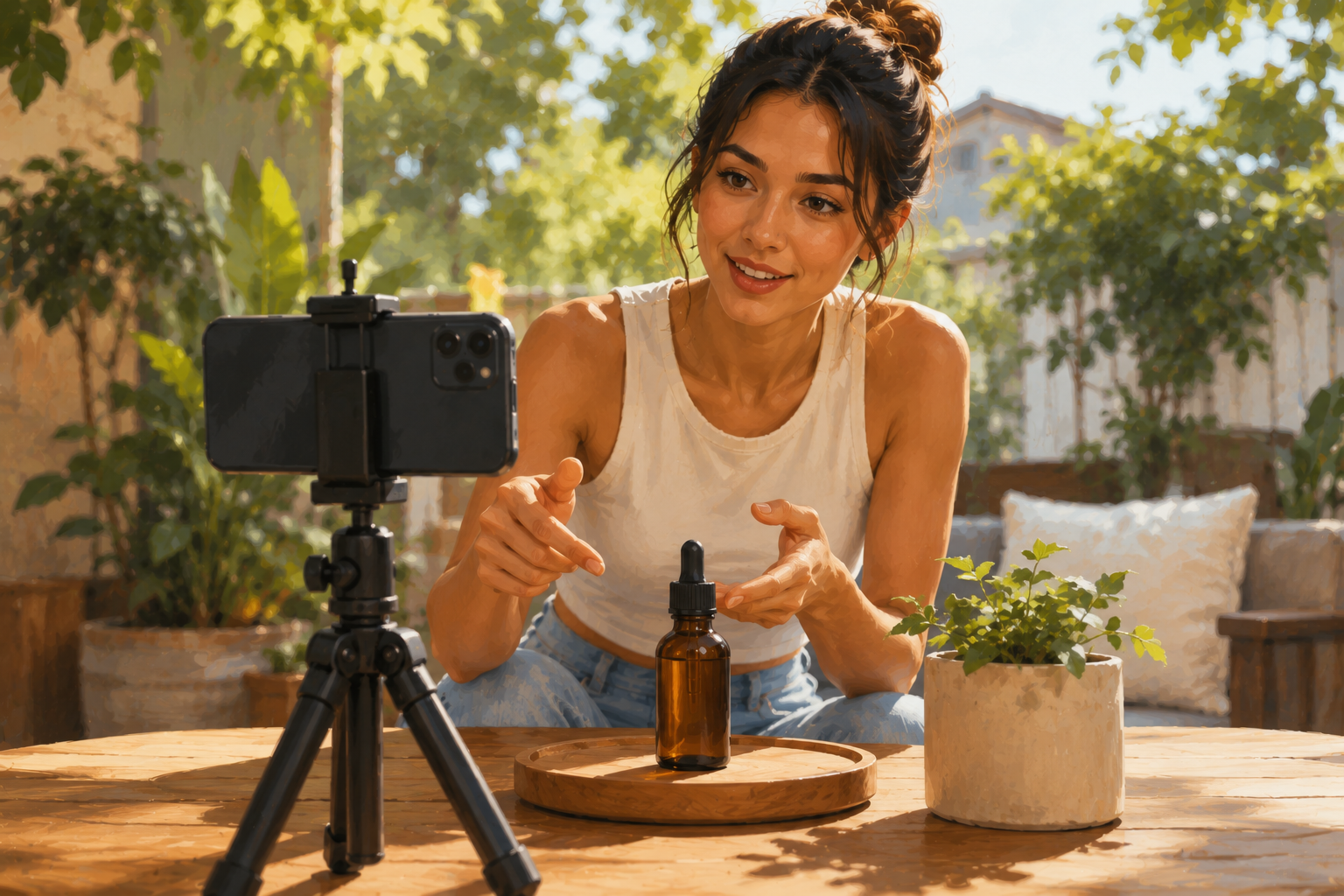
Four conditions have to be met: your content must visibly feature or mention the product so viewers understand what they’re buying, the product has to be available and in stock at the time of posting, Reels must be longer than 10 seconds, and the post has to be created natively on Facebook, not cross-posted.
The content requirement is the one that trips people up most often. A generic lifestyle post with a product tagged in the background won’t qualify. The product needs to be part of the content itself. If you’re reviewing something, showing how you use it, or making a direct recommendation, that meets the bar. A vague “check out what I’m using” post with a tag buried in the caption usually won’t.
Think of the content rule the same way you’d approach writing a review post that actually converts. Specificity is what earns trust, and Meta’s system is essentially rewarding the same thing algorithmically. Talk about the product directly, show it in use, and the banner follows.
Which affiliate programs work with Meta’s new tools right now?
On Facebook in the US, the live partners at launch are Amazon and Shopee. Mercado Libre, Temu, and eBay are rolling out soon. On Instagram, the launch partner is Amazon in the US, with Shopee covering Asia markets. The list is expanding, and Meta has indicated more partners are coming.
If you’re already in Amazon Associates, you have the clearest path to start immediately. Connect your Amazon account through the Professional dashboard, and you can start tagging Amazon products in your Facebook Reels and posts today. For Instagram, same thing, your Amazon affiliate link works as long as the product appears in Meta’s catalogue.
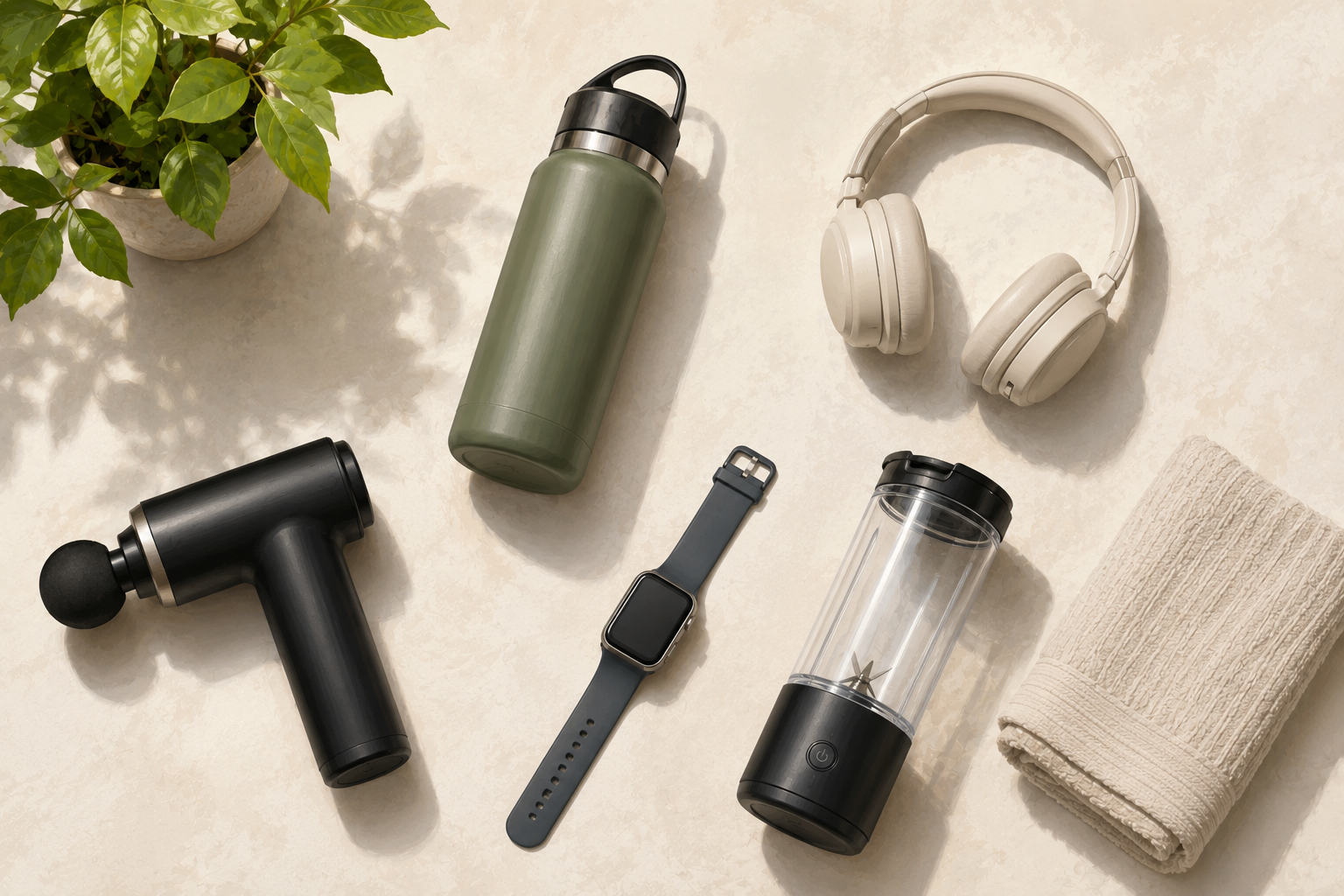
For affiliates who focus on everyday physical products, this is a strong fit. Gadgets, home goods, kitchen items, fitness gear: these are the kinds of Amazon products that perform well in short video formats and convert when someone can buy in one tap. If your niche skews toward physical products at accessible price points, this feature was practically built for you.
Should you set up Meta Affiliate Partnerships now?
Yes, and before the program gets crowded. Meta has signaled it may lower the follower threshold and push more creators toward using these native tools. Early movers get to test, build an audience’s familiarity with the format, and figure out what content triggers the banner reliably before the competition catches up.
There’s also a catalogue argument. Brands that get their products listed in Meta’s brand catalogue now will have more creator relationships available to them when the program scales. If you’re in a niche with products already on Amazon, the path is straightforward. If your affiliate programs are outside Meta’s current partner list, the smart move is to start building catalogue-listed alternatives alongside what you’re already promoting.
The principles that make an audience ready to buy don’t change by platform. Trust, specificity, and genuine product context convert whether the link opens in a browser or inside an app. What Meta is doing here is reducing the friction between your recommendation and the purchase. The fundamentals of why someone buys on your recommendation still come from the content you’ve built around it.
If you’re newer to affiliate marketing and haven’t locked in your core strategy yet, get the foundation in place first. The free Affiliate Marketing QuickStart Guide covers how to get accepted into programs, what to promote, and how to structure your content for commissions. Once you have that, layering in Meta’s native tools makes a lot more sense than starting there.
How does Meta’s affiliate feature compare to link-in-bio tools like LTK or ShopMy?
Meta’s native feature eliminates the need for a separate link-in-bio platform for products that are already in the Meta catalogue. Followers don’t leave the app, and the banner appears right in the content rather than requiring a separate click to a profile link. For affiliate marketers who rely heavily on Instagram and Facebook and primarily promote Amazon products, this makes link-in-bio tools largely redundant for those specific promotions.
That said, link-in-bio tools still serve affiliates who promote products across multiple platforms, track analytics more granularly than Meta’s dashboard, or work with brands outside Meta’s current partner network. Meta’s feature and third-party tools solve different problems, and which one matters more depends on how your affiliate business is structured right now.
Want to write Reels and posts that actually convert?
Review Post Pro helps you write SEO-optimized product review content fast. It’s trained on 300+ top-ranked review posts and saves 3-10 hours per post. Check out Review Post Pro here.
Do you need FTC disclosure when using Meta’s affiliate shopping banner?
Yes. The banner tells viewers there’s a shopping link, but it doesn’t satisfy your FTC disclosure obligation. You still need to indicate the commercial relationship in your content itself. A line in the caption or a verbal mention in a Reel is sufficient: something like “affiliate link” or “I earn a commission on purchases” covers it. Meta’s labeling is not a substitute for your own disclosure.
The FTC’s rules apply to the content creator, not to the platform’s features. Meta labeling the banner as an affiliate link doesn’t transfer that disclosure responsibility to them. This is the same rule that applies to affiliate links on YouTube, in email, and anywhere else you have a material connection to a product you’re recommending.
New to affiliate marketing?
The free Affiliate Marketing QuickStart Guide walks you through how to get accepted into programs, what to promote, and how to set up your first promotion. Grab it free.
Can you use Meta’s affiliate tools if you promote digital products?
Not through the affiliate banner feature, which is currently scoped to Meta’s retail partners (Amazon, Shopee, and others coming soon). Digital products, courses, software, and info products aren’t part of the affiliate partnerships system as it stands. For those, you’re still directing traffic off-platform via your bio link, caption links, or stories.
This is a physical products feature at launch. Meta is building a retail commerce funnel, and digital products are outside that lane for now. If your affiliate business focuses on software, online courses, or digital subscriptions, this specific feature doesn’t change your workflow yet. Keep your eye on how the program evolves, but don’t restructure around it until Meta opens it to a broader product set.
What content format works best for Meta’s affiliate shopping features?
Reels over 10 seconds that show the product in actual use perform best for triggering the banner and driving conversions. Demonstration content, comparison walkthroughs, and honest reaction videos all give the product enough screen time to meet Meta’s “featured or mentioned” requirement while building the kind of context that makes someone want to buy.
Static posts can work too, but Reels get significantly more distribution on both platforms right now. A 30 to 60-second Reel showing someone using a product, explaining one specific thing they like about it, and ending with a direct recommendation is the format that matches both Meta’s technical requirements and what audiences are currently watching. When a product has a time-limited promotion or sale running, Reels with the affiliate banner become especially effective because urgency and frictionless checkout work together.
Frequently asked questions about Meta Affiliate Partnerships
Does Facebook Affiliate Partnerships work if I cross-post from Instagram?
No. The affiliate shopping banner only appears on content posted natively to Facebook. If you cross-post from Instagram or use a scheduling tool that reposts content, the banner won’t attach. You need to create the post directly in Facebook to qualify. This applies to both Reels and static posts.
How many followers do you need for Facebook Affiliate Partnerships?
The current entry threshold is approximately 1,000 followers on your Facebook Page or pro mode profile. Meta has signaled this may change as the program expands. You also need a Facebook Page or pro mode profile (a standard personal profile won’t qualify), and you need an active affiliate account with one of Meta’s approved partners in your country.
Can you use any affiliate link on Instagram with Meta’s new feature?
You can use external affiliate links on Instagram, but only if the linked product is also listed in Meta’s brand catalogue. If the product isn’t in the catalogue, the external link won’t trigger the native shopping experience. For Facebook, you’re limited to products directly from Meta’s approved affiliate partners, which currently includes Amazon and Shopee in the US.
What happens to your affiliate link tracking when Meta shows the shopping banner?
Meta handles the click and purchase tracking through its own system for products tagged through the Affiliate Partnerships feature. Your commission attribution goes through the partner program (Amazon Associates, for example), not through a separate tracking URL you set up manually. Make sure your affiliate account is connected correctly in your Professional dashboard before you start tagging products, or purchases may not credit properly to your account.
Is Meta’s affiliate feature available outside the US?
Availability varies by country and partner. Amazon is live in the US through both Facebook and Instagram. Shopee is available in select Asian markets through Instagram. Mercado Libre covers Latin America. Other countries and partners are rolling out over time. Check the Facebook Creator Blog for your specific market’s current partner list and eligibility requirements, since partner availability determines which products you can actually tag.